
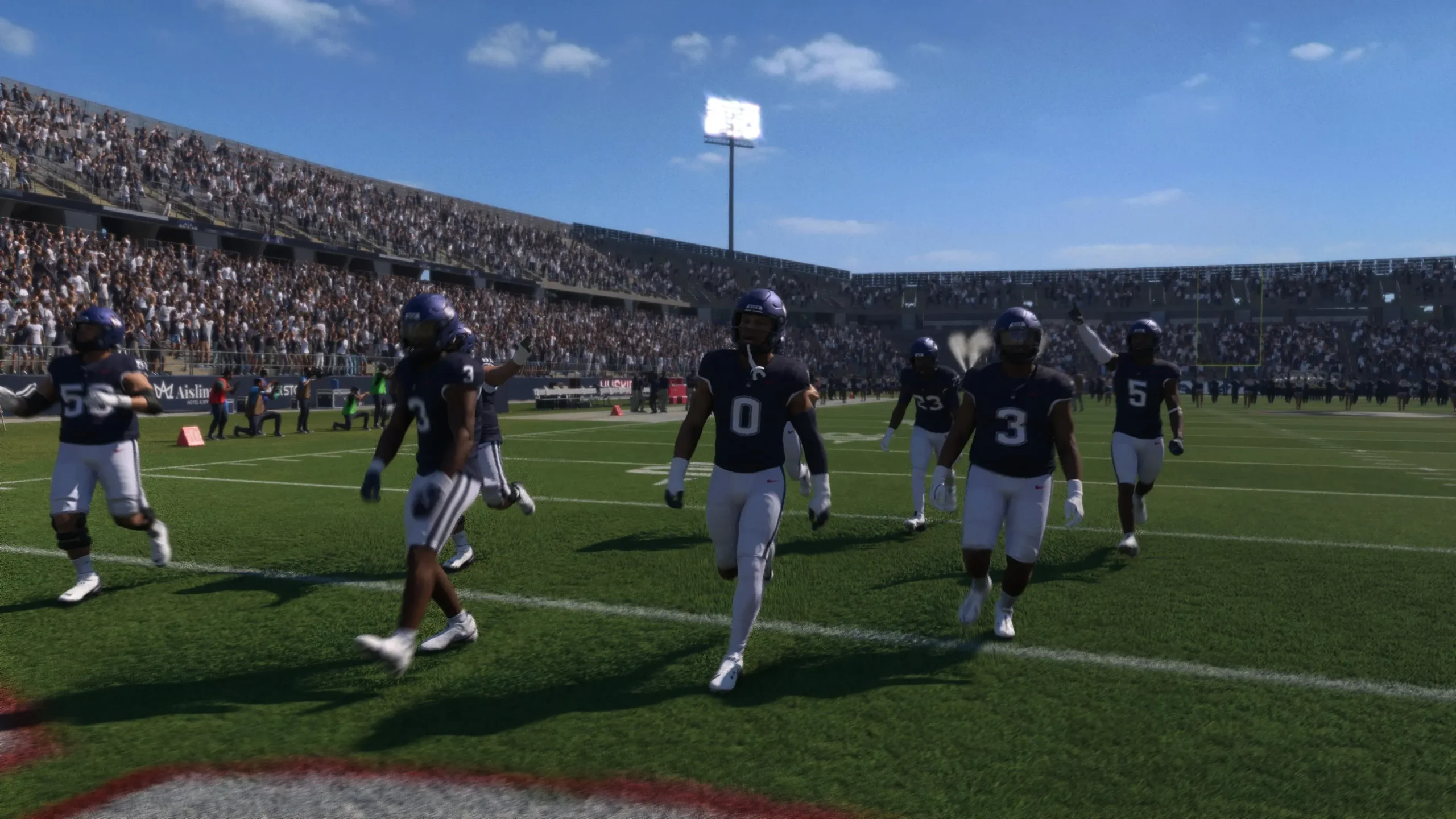

With football season fast approaching, so too arrives the next generation of EA’s flagship college football franchise. To help you get accustomed to the new tweaks and systems in this year’s entry, we’ve compiled 15 tips and tricks you might not know as you head into another season on the gridiron.
From crowd customization to NIL management, here’s everything you need to gain an edge.
1. Change the Crowd Pattern Before Any Game
For stadiums with classic crowd patterns, you can now choose exactly how the stands look for each matchup. Want a Penn State white-out? An LSU Purple Game in Death Valley? You can decide—game by game, pattern by pattern. All customizable from the ready screen. Make every home game an event.
2. Modular Cameras – Take Control of Your View
A new setting lets you adjust preferred camera angles for various in-game occurrences—from the classic pre-play shot to how the camera reacts when your player scores a touchdown. Head to the Visual Feedback section of Game Settings, select Modular Camera Settings, and set your preferences. The right angle can make all the difference.
3. More Detailed Coverage Adjustments (Hold L2)
There’s much more control over how your secondary lines up and reacts during a play. By holding L2/LT, you can now choose detailed coverage adjustments, including:
-
Telling defensive backs which way to shade their receiver.
-
Deciding whether to play more conservatively or aggressively when a play breaks down.

4. Coach Pep Talks – Break the Ice
Occasionally, a player will get in their head and go cold. When that happens, you’ll now have the option from the substitution menu to give them a pep talk. This calms their nerves, removes the ice from their name, and puts them back at the top of their game—giving the whole team a boost in the process.
5. Custom Adjustments – Build Your Playbook
Beyond detailed on-field adjustments, you can now create Custom Adjustments with an extensive range of options for how your team responds in certain scenarios. These exist for both offense and defense, covering everything from which play type defenders guess to pass-catching aggressiveness. Build your own in the Create & Share section from the Main Menu.
6. Assign TE/HB to Chip on a Route
Within pre-snap pass protection adjustments, you can now ask any receiver to perform a chip block on a particular defender as they run their route. Press the hot route button—if your selected receiver has an eligible defender to block, you can assign them to chip that defender and release into their route. It risks the blocker losing the battle and falling down, but if they win, it’s another body on a pass rusher.
7. Coach Mode in Dynasty – Watch from the Sidelines
Coach Mode is a new presentation style in Dynasty that allows you to limit your input to calling plays on offense and defense. From there, you watch each snap play out from the sidelines. It’s a lower-touch way to play, perfect for those who want to focus on strategy rather than execution. Toggle it on and customize it in Dynasty Settings.
8. Recruits Can Change Their Mind After Soft Committing
Just like real life, you can’t always be sure a commit won’t change their mind. Once you get to a recruit’s top 3 schools, they’ll sometimes soft commit—indicating a preference for a certain school but allowing the others in the top 3 to continue making an effort to sway them back. Stay engaged until signing day.
9. Don’t Reneg on NIL Commitments
NIL money is a huge part of Dynasty recruiting now, both in real life and in the game. One quick way to turn a recruit off your school? Promise a certain amount and then backtrack later. The more you can offer, the likelier they are to be interested—but be sure you can afford to pay it before you promise it.
10. Dynasty Practice Control – Manage Wear and Tear
Aside from recruiting and weekly games, your main Dynasty action each week is setting your players’ practice schedules. Worried about wear and tear on a player? Set them to a limited practice to reduce injury risk. But players who practice in full have a better chance of starting the game hot. Balance is key.
11. Put in the Work in Practice (Road to Glory)
Road to Glory returns with a number of minigames that help you improve your character by scoring medals. This year streamlines the process: practice is your main way to earn XP and improve trust with your coaches. Perform well, and you’re more likely to get into position battles and play on Saturdays. Maximize your chances every week.

12. UT Archetypes and Upgrades – Divergent Paths
Within Ultimate Team, players are now more directly linked to positional archetypes, each with their own upgrade pathway. Using skill points, you can upgrade individual players—but the upgraded traits depend on their specific archetype, such as Dual-Threat or Pocket Passer quarterback. Players starting with similar traits will diverge into notably different styles as you upgrade them.
13. Reset Your Road to the CFP Schedule
It’s not uncommon for a college team to know their season is ending as a disappointment before the final game. While you can’t reset in real life, this year’s Road to the CFP allows you to reset your schedule if you’re unsatisfied with a season. It won’t net you anything, but it’ll save you from playing through multiple meaningless games just to start over.
14. Unlocking Mascots in Mascot Mashup
EA CFB 27 comes with 10 mascots unlocked and over 100 left to earn. The team select screen shows that any mascot can be unlocked by winning a Play Now game with that team—but you have to play the full game. If you Super Sim or quit out, the mascot won’t unlock and you’ll have to start a fresh session.
15. Trophy Room – Track Your Progress
The Trophy Room returns from previous years but is now a better progression monitor. Not only can you see each save file across different modes, rivalry trophies, and bowl trophies, but you can also now view all your unlocked mascots for Mascot Mashup—all with a sprinkle of historical context. Find it in the More section of the Main Menu.
That’s your 15-tip playbook for EA Sports College Football 27. From NIL negotiations to camera angles, every detail matters when you’re building a dynasty. Master these tweaks, and you’ll be hoisting that national championship trophy before you know it.
Now get out there and run the plays.
Related posts:
 LEGO Batman 4: Legacy of The Dark Knight Guide – How to Farm Studs Fast and Easy
 Saros – 15 Advanced Tips and Tricks
 Pragmata Guide – How to Increase Mod Carrying Capacity
 EA Sports UFC 6 Guide – Master the New Submission System and Tap Out Any Opponent
 Pragmata Guide – All 5 Storage Expanders and 6 Cartridge Holders Locations
 LEGO Batman 4: Legacy of The Dark Knight – How to Unlock All 33 Vehicles
 Assassin’s Creed 4 Black Flag Resynced Guide – All Legendary Outfits and How to Find Them
 Pragmata Guide – All 40 Mods and How to Get Them